 ALJ Data
Tweet to PDF
Save any X (Twitter) post as a clean A4 PDF — text, photos, quoted post, date and source link included.
If the linked post belongs to an author’s thread, the tool may assemble that thread. Review the result before downloading; this page does not force a single-post mode.
ALJ Data is a free tweet to PDF converter: paste the link of a single X (Twitter) post and download it as a tidy A4 PDF — no screenshots, no account, no watermark. It works on iPhone, Android and desktop.
The page is a clean A4 sheet — no X sidebar, buttons, trending topics or replies.
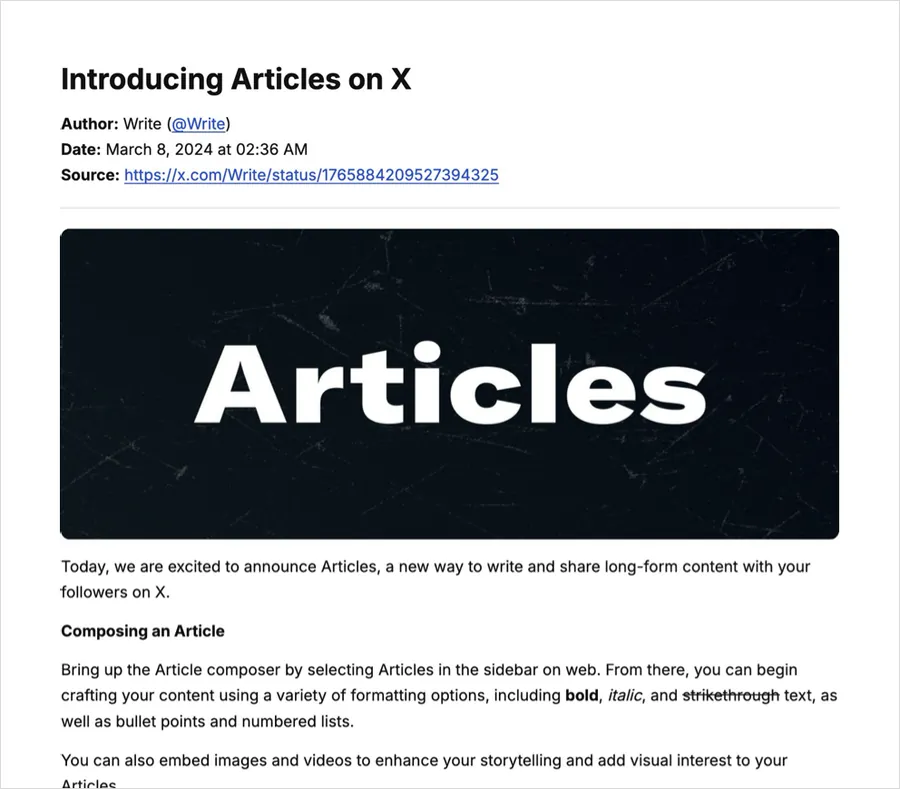
The PDF is image-based, which keeps the layout exact but means the text isn't selectable. If you need to search or copy the text, export Markdown or EPUB instead.
Keep in mind that a PDF is a record of what the post said when you saved it. It isn't a legally certified document.
That is this page. One link, one PDF.
If the post is part of a thread, use the thread to PDF page. Paste any post of the thread and all of the author's posts are merged into one numbered PDF. To read a thread on screen first, try unroll Twitter thread.
X Articles keep their headings, lists and inline images. Use X Article to PDF.
ALJ Data reads public posts that are still online. If a post has already been deleted, or its account has gone private, it can't be saved afterwards. That's the reason to export a copy while it's live. Read what you can and cannot recover. Need several posts? Batch mode takes up to 20 links and returns one ZIP of Markdown files. The tool is on the home page, and the guides have more workflows.
On any post, change x.com to aljdata.com in the address bar and press Enter: x.com/user/status/123 → aljdata.com/user/status/123. The post opens here, ready to download.
Drag this button to your bookmarks bar, then click it while reading any X post: ⬇ ALJ Data
On Android you can also install ALJ Data (Add to Home screen) and share posts to it straight from the X app.
In the Shortcuts app, create a shortcut named ALJ Data. Add “URL” with https://aljdata.com/?url= followed by the shortcut input, then “Open URLs”. Enable it in the share sheet to send an X post link to ALJ Data.
Extract public content without creating an account. ALJ Data fetches available post data through the open-source FxTwitter API and builds downloads in your browser. Post data may be temporarily cached by the service. History and preferences stay in your browser; no Google Analytics property is configured.
Copy the post link (Share → Copy link), paste it into ALJ Data, press Extract and click PDF.
Yes. Photos and the post it quotes are included. Videos appear as a thumbnail linked to the video.
Yes. It is free, needs no login and adds no watermark.
No. The PDF is image-based to keep the layout exact. Use the Markdown or EPUB export if you need selectable text.
No. Only public posts that are still online can be saved, so export a copy before it disappears.
For threads use the X thread to PDF page, which merges the author’s whole thread. For long-form Articles use X Article to PDF.
Yes. Batch mode accepts up to 20 links and returns them as Markdown files in one ZIP. For PDFs, save each post separately.