 ALJ Data
X Article to PDF
Turn any X (Twitter) article, thread or post into a clean, print-ready PDF — images included, no login.
ALJ Data is a free X article to PDF converter: paste the link of any X (Twitter) article, thread or post and download a clean A4 PDF with the title, author, date, source link and every image — no account required.
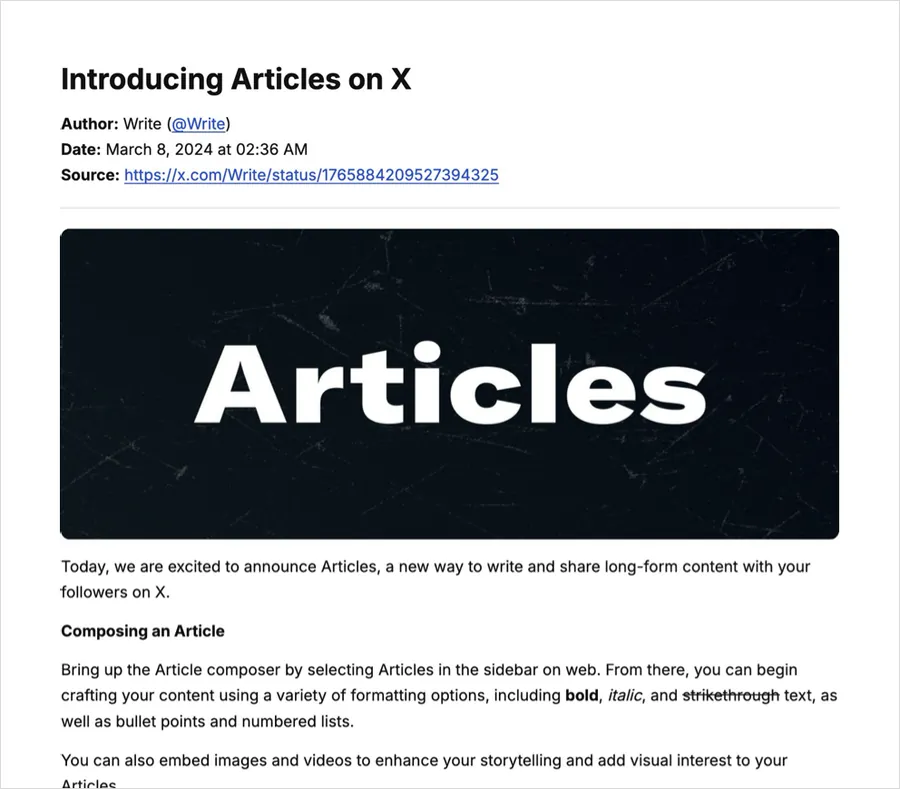
X has no export button for Articles, so there are four ways to get a PDF:
| ALJ Data | Browser “Print → Save as PDF” | Screenshots | Browser extensions | |
|---|---|---|---|---|
| Clean layout (no X sidebar, replies or buttons) | ✅ | ❌ | ❌ | Varies |
| All images, in place | ✅ | ⚠️ Lazy images often missing | ⚠️ Manual | Varies |
| Images and text never split across pages | ✅ | ⚠️ Often split | — | Varies |
| Title, author, date and source link | ✅ | ⚠️ Partly | ❌ | Varies |
| Works on iPhone and Android | ✅ | ⚠️ | ✅ | ❌ Desktop only |
| Nothing to install, no login | ✅ | ✅ | ✅ | ❌ |
Long-form X Articles keep their structure: headings, bold and italic text, bullet and numbered lists, quotes, code blocks, dividers, the cover image and every inline image. Embedded posts become links, videos become a thumbnail linked to the video.
A single post keeps its text and line breaks, its photos and video thumbnails, and the post it quotes — handy for saving receipts, announcements or anything you may need to cite later. More on saving a tweet as PDF.
Paste any post of a thread — not just the first — and every post the author wrote in it is merged into one numbered PDF. Replies from other people are left out. See the X thread downloader.
The PDF is rendered for pixel-perfect layout. If you want to highlight or search the text, use the EPUB
or Markdown export — or press Ctrl/Cmd + P on the result and choose Save as PDF.
Paste any post of a thread and the whole thread becomes one PDF. More on thread to PDF.
Tap PDF, then open the download from the Safari downloads list and use Share → Save to Files or send it to Books.
Tap PDF; the file goes to your Downloads folder and opens in any PDF viewer, Google Drive or your e-mail app.
Click PDF and the file lands in your Downloads folder, named after the article. To skip copying links, change x.com
to aljdata.com in the address bar of any article you're reading.
The PDF is built page by page in your browser and the button shows progress (for example “PDF 12/26”). A 20-image article takes a few seconds on a laptop and a little longer on a phone.
Extract public content without creating an account. ALJ Data fetches available post data through the open-source FxTwitter API and builds downloads in your browser. Post data may be temporarily cached by the service. History and preferences stay in your browser; no Google Analytics property is configured.
Yes. No account or subscription is required. Temporary request limits protect service availability.
Yes. The cover image and every inline image are included. Videos appear as a thumbnail linked to the video.
Yes. Paste the link of any post in the thread and ALJ Data merges the whole thread into a single PDF.
Yes. It runs in any modern browser on iPhone, Android, Mac, Windows and Linux.
No. Only public posts that are still online can be converted — which is exactly why saving a PDF copy is useful.
Copy the post link (Share → Copy link), paste it into ALJ Data and click PDF. Photos, quoted posts and the source link are included.
Yes. ALJ Data runs in your browser: paste the post link and click PDF. Nothing to install and no login, on desktop and on phones.
It depends on the images. A text-focused article is usually a few hundred KB; a long article with around 20 large images can be several MB.